Technology & Computing · Internet & networks
How your browser's cache decides what to reuse
Follow a stored response from fresh to stale to revalidated, and see why the hard part of caching is knowing when to stop trusting a stored copy.
What you will learn
- Describe what an HTTP cache stores and what reusing a response saves
- Work out from its age whether a stored response is fresh or stale
- Explain how a conditional request turns a stale response back into a fresh one
- Say what a 304 response contains and what it saves
Lesson 1 of 4 · 6 min
How a browser decides a saved copy is still good
Open the same news site twice in a minute and the second load is much quicker. Your browser didn't fetch the logo, the fonts and the stylesheets again. It reused copies it had kept from the first visit.
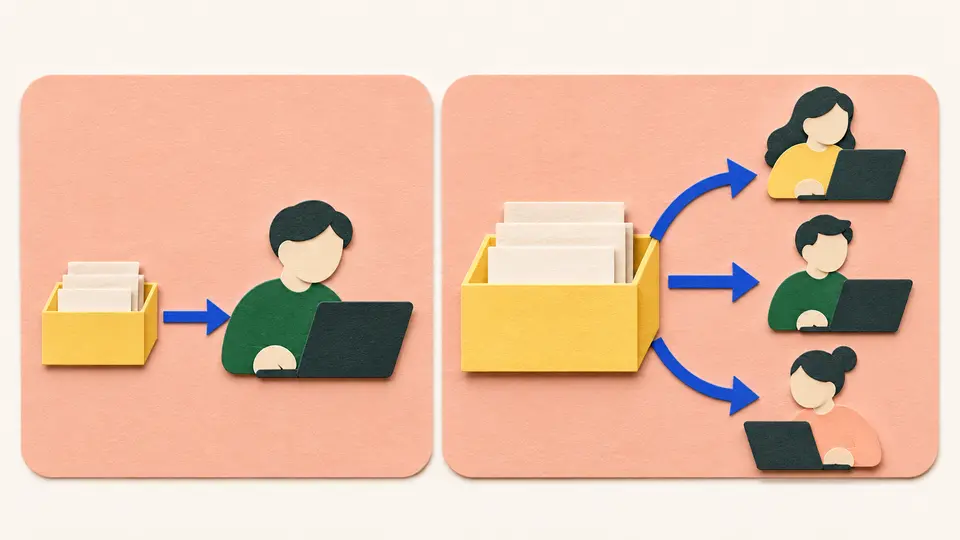
That store is an HTTP cache. It files each response under the request that produced it and hands the copy back when the same request comes up again.
The saving is bigger than the download. A reused copy means the request never reaches the server. Nothing is looked up in a database and no page is put together. That work isn't made faster. It doesn't happen.
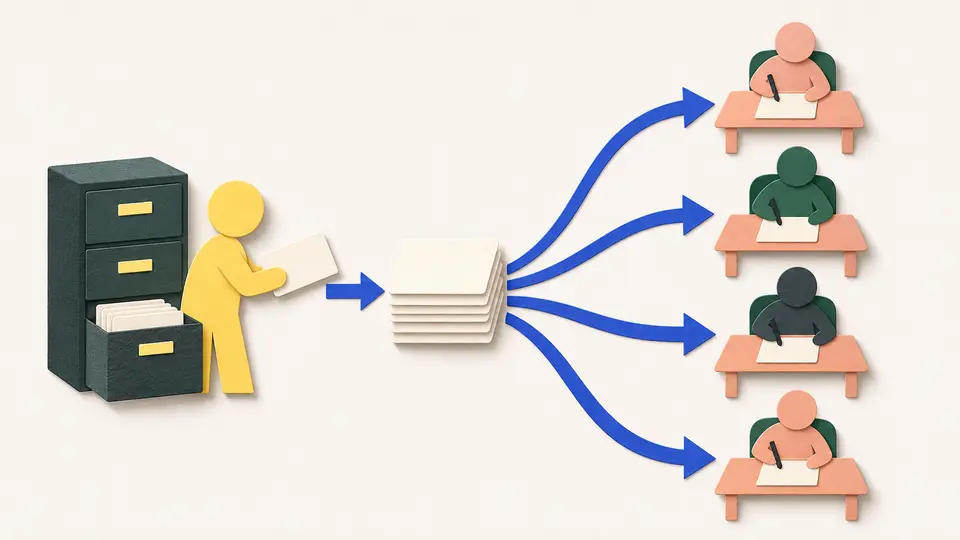
Caches come in two kinds. A private cache belongs to one user, and your browser's cache is the usual example. A shared cache sits between many users and the site and hands the same copy to all of them. Big sites deploy them to deliver pages faster.
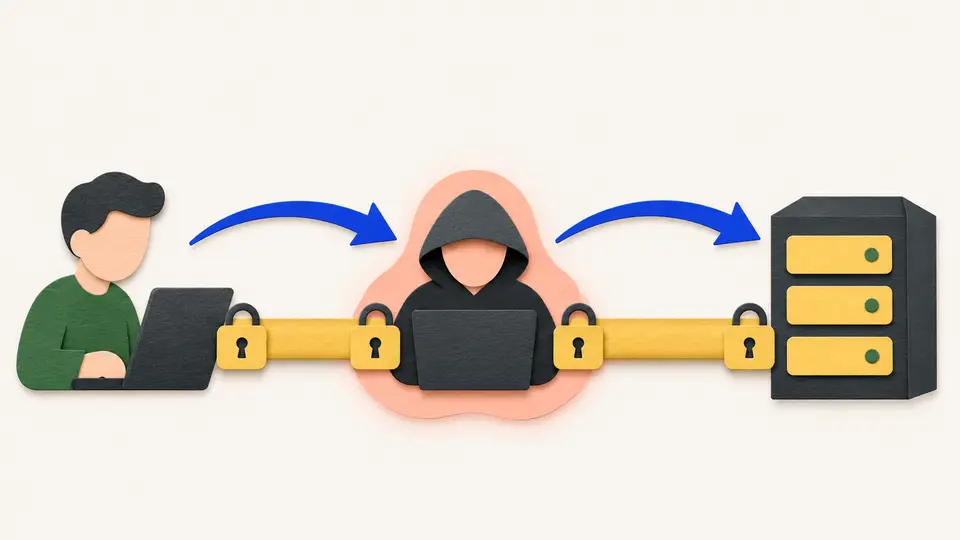
That makes shared caches fast and a little dangerous. A page showing your account details has to be kept out of them, or the next person who asks for the same address, or URL, could get your copy.
A stored copy is always in one of two states, fresh or stale. A fresh copy can be reused without asking the server. A stale one can't.
What decides is the copy's age, the time since the server generated it. The server sets the limit in a header, a line of instructions sent along with the response. The line might read max-age=604800. That's a count of seconds, and 604,800 seconds is one week. Under a week old, the copy is fresh. Over a week, it's stale.
The clock starts at the server and doesn't restart along the way. Say a shared cache holds the response for a day before passing it to your browser. It adds a header of its own, Age: 86400, which is one day in seconds. Your browser subtracts and treats the copy as fresh for the remaining six days, or 518,400 seconds.
Stale copies aren't thrown away. A stale copy can be checked with the server and made fresh again. That check is called revalidation, and it costs far less than downloading the copy anew.
If a server sends no instructions at all, a browser may cache anyway. It guesses. The standard suggests reusing a copy for about a tenth of the time since the file last changed, so a page untouched for a year could be reused for around five weeks. Well-run sites don't leave it to the guess.
Try to recallAn HTTP response is generated with max-age of 3600. A shared cache holds it for 600 seconds, then passes it to a browser with an Age header of 600. How long will the browser treat it as fresh, and why?
For the remaining 3,000 seconds. Age is measured from when the server generated the response, so the 600 seconds it spent in the shared cache count against its freshness. The browser subtracts the Age value from max-age and treats the copy as fresh for the difference. Once its age passes 3,600 seconds the copy is stale. It isn't thrown away, though, because revalidation can make it fresh again.
A cache trades a small risk of showing something old for a lot of saved work. The whole test is age against max-age. While a copy is younger than its limit, the browser asks nobody. Once it's older, the browser has to check, and checking costs far less than downloading.
Lessons in this topic
How a browser decides a saved copy is still good
A cache keeps copies of what you've fetched. See what reusing one saves, why some copies must never be shared, and how one number decides when a copy has expired.
How a browser checks a file without downloading it
When a copy goes stale, the browser can ask the server one short question. See how the question is asked and why the usual answer carries no file at all.
Why website file names carry version codes
A copy cached for a year can't be recalled. See how sites get around that by renaming a file whenever it changes, and which caching rule suits which kind of page.
No-cache doesn't mean no cache
The no-cache instruction lets a browser keep a copy, and no-store is the one that forbids it. See which to use for privacy, which for freshness, and why the strongest-sounding one isn't the safest.
Three quick stories from this topic
No recall for cached files
HTTP gives a website no way to recall a file it has told caches to keep for a year
A cache holding a fresh copy stops asking the server about it, so the server never gets the chance to send a newer one. That's why files on big sites have names like bundle.v123.js. Each new version gets a new name.
Rename it instead
Put a version or content hash in the URL, as in bundle.v123.js. Caches key on URL, so new content becomes a new resource and the old copy is never reused.
Then stop asking
Setting max-age 31536000 with immutable tells the browser not to revalidate, even on reload, because the URL guarantees the content hasn't changed.
The Back button's snapshot
Pressing Back usually restores a saved snapshot of the page instead of loading it again
Web rules treat going back as a return to an earlier moment in your history, not as a new visit. So even a page marked to be checked with its server before every reuse can reappear unchecked, as you left it.
Fresh, stale and checked
Normally a stored copy is reused freely while it's fresh. Once it's stale, the browser asks the server whether it has changed before using it again.
What switches the snapshot off
A page marked no-store can't be kept at all, so it loses the instant Back button along with the other benefits of caching.
no-cache versus no-store
The web instruction called no-cache allows a browser to keep a copy of the page
It only requires the copy to be checked with the server before each use. The instruction that forbids keeping a copy is called no-store. A developer who mixes them up can leave a private page sitting on a shared computer.
For privacy, use private
Shared caches serve one stored response to many users. The private directive keeps a personalized response with its own client and stops it from being shared through request collapse.
The no-store trap
The no-store directive doesn't delete a copy already stored for that URL, but no-cache forces a check before reuse. The strongest-sounding directive isn't the safest.
Sources
- HTTP caching - HTTP | MDN, MDN Web Docs
- Cache-Control header - HTTP | MDN, Mozilla Foundation