Technology & Computing · Cybersecurity & privacy
Passwords, passkeys and account security
See how passwords get stolen, how a passkey signs you in with nothing to steal, and why account recovery needs as much care as sign-in.
What you will learn
- Explain how password reuse can spread the effect of one breach.
- Distinguish protection against guessing from protection against phishing.
- Distinguish the public key held by a service from the private signing key.
- Explain how binding authentication to the service helps resist phishing.
Lesson 1 of 4 · 4 min
Why one leaked password can open many accounts
Say a hobby forum you joined years ago is breached, and your email address and password leak. The forum itself hardly matters to you. Your bank might, if you used the same password there.
A password is a secret you share with a site, and anyone else who learns it can use it exactly as you do. So attackers take leaked pairs of usernames and passwords and try them on other sites. The attack is called credential stuffing, and it only works because people reuse passwords.
A unique password for every account stops the spread. The stolen one still opens the forum, and nothing else.
Nobody can memorize dozens of unrelated passwords, so that job goes to a password manager, which stores them and fills them in. NIST, the US standards agency whose sign-in guidelines federal systems follow, says a service must allow password managers and should let you paste a password in. People who use a manager tend to choose stronger passwords.
Reuse is one way in. There are two more, and they call for different defenses.
Guessing means trying likely passwords until one works. Services slow it down with rate limits, which cap the number of wrong tries. NIST's ceiling for federal systems is 100 failed attempts in a row, after which that way of signing in is switched off.
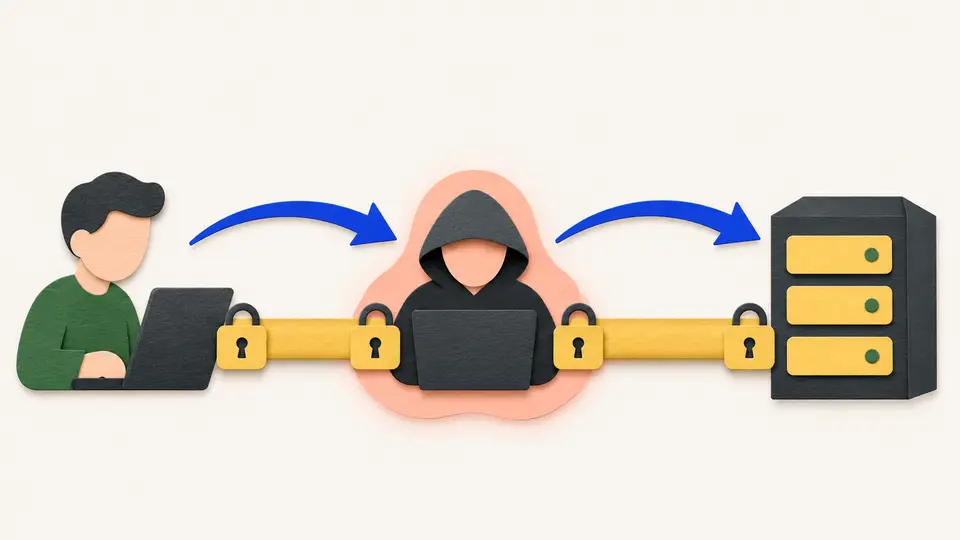
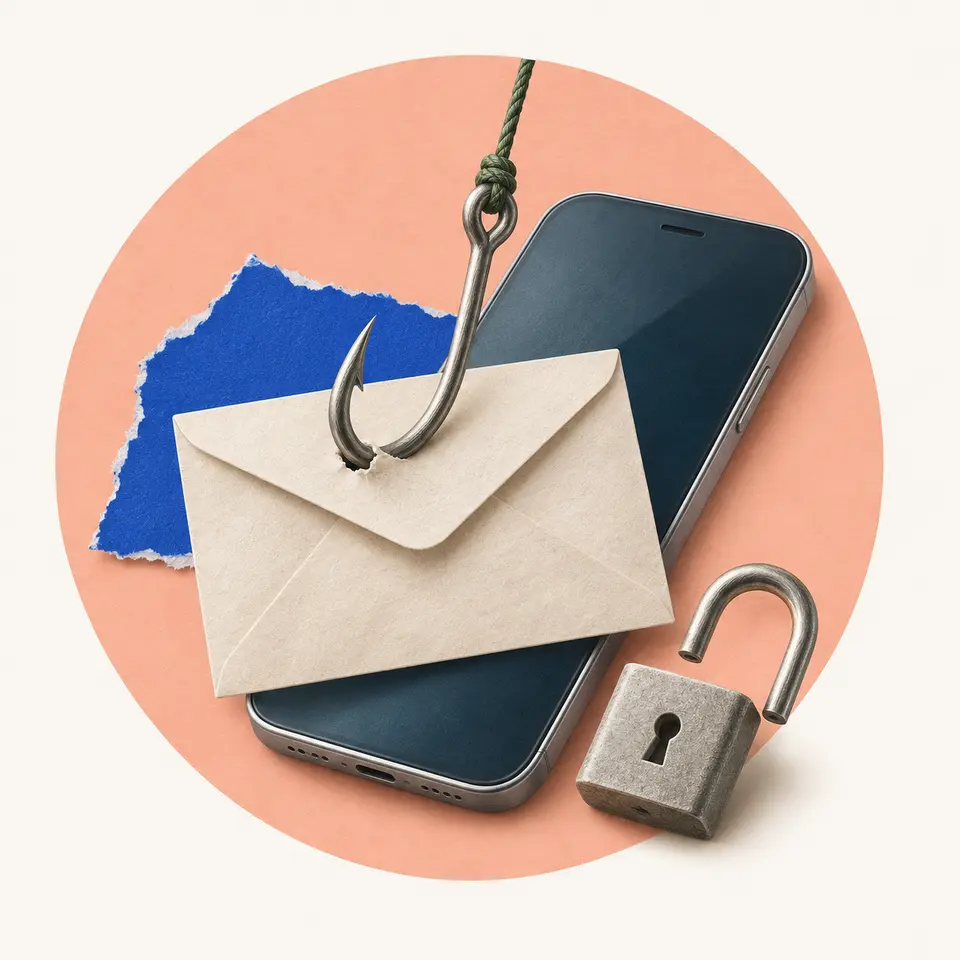
Phishing skips the guessing. A convincing copy of a real sign-in page asks for your password, and you type it in. Length doesn't help here. A 40-character password handed to an impostor is as stolen as a short one.
Many services add a second step, such as a code sent to your phone. It helps when a password has leaked or been guessed, because the attacker needs the code as well.
Against a fake page it does much less. The page asks for the code too, then passes it on to the real site and signs in as you. For exactly this reason, NIST refuses to count any code you type in as phishing-resistant.
Try to recallWhy can a very long password still fail against a convincing fake sign-in page?
Length only makes a password harder to guess. On a fake sign-in page nobody is guessing. You type the whole password in yourself, and the impostor now holds it, however long it is.
Lessons in this topic
Why one leaked password can open many accounts
See how a single reused password spreads a breach, and why even a long password can't save you from a fake sign-in page.
How a passkey signs you in with no secret to steal
See how a passkey proves who you are with a pair of keys, and why a fake sign-in page gets nothing it can use.
What happens to your passkeys when you lose your phone
Compare passkeys that sync across your devices with ones tied to a single device, and see why account recovery needs as much care as sign-in.
Why a good website can't tell you your password
See why a careful service stores only a salted hash of your password, and which familiar password rules US guidance now forbids.
Three quick stories from this topic
Your fingerprint stays on your phone
A passkey lets you sign in with your fingerprint without the website ever receiving it
Your phone checks the fingerprint itself. Then it answers a one-off challenge from the site, using a private key that is never sent to the site. The site learns only that the check passed.
Two different proofs
The check on your device authorizes use of the authenticator. The authenticator then proves to the service that it controls the private key, and the service verifies the response with a public key.
The unlock gesture isn't the website's secret
A PIN or biometric gesture can unlock the operation on your device. The website doesn't need the biometric data behind that gesture to verify the sign-in that follows.
The Password1! problem
US federal guidance now forbids password rules that demand a capital, a digit and a symbol
The reason is that people satisfy such rules predictably. NIST's own example is someone who would have chosen 'password' and picks 'Password1!' instead. The guidance asks for length, at least 15 characters when a password is the only lock.
Scheduled password changes are out too
The same guidance says a service must not make you change your password periodically. A change should be forced only when there's evidence the password was compromised.
What replaces the old rules
Every new password must be checked against a blocklist of common and breached passwords. The rules bind US federal systems, so a consumer site may still do things the old way.
Typed codes can be relayed
A sign-in code sent to your phone doesn't protect you from a fake sign-in page
The fake page asks for the code as well, passes it to the real site and signs in as you. US federal guidance refuses to count any code you type in as phishing-resistant. A passkey qualifies, because it only works with the real site.
Why a typed code fails
A code you type isn't tied to the session it was meant for. NIST's guidance notes that an impostor could relay it to the real service and sign in.
What a code still does
A second step still helps when a password has only been leaked or guessed, because the attacker needs the code too. A fake page gets around it by asking you for both.
Sources
- NIST Special Publication 800-63B, US National Institute of Standards and Technology
- FIDO Passkeys: Passwordless Authentication | FIDO Alliance, FIDO Alliance