Technology & Computing · Internet & networks
Wi-Fi and home networks
See how your router sends data on radio waves, why walls and neighbors slow it down, how one internet address serves every device at home, and where Bluetooth and mobile data fit.
What you will learn
- Explain how Wi-Fi devices share one radio channel by taking turns
- Compare the 2.4, 5 and 6 GHz bands by reach and room for data
- Explain how distance and walls lower Wi-Fi speed
- Explain how crowded channels slow Wi-Fi, and pick fixes that help
Lesson 1 of 4 · 5 min
How your router talks to your phone through the air
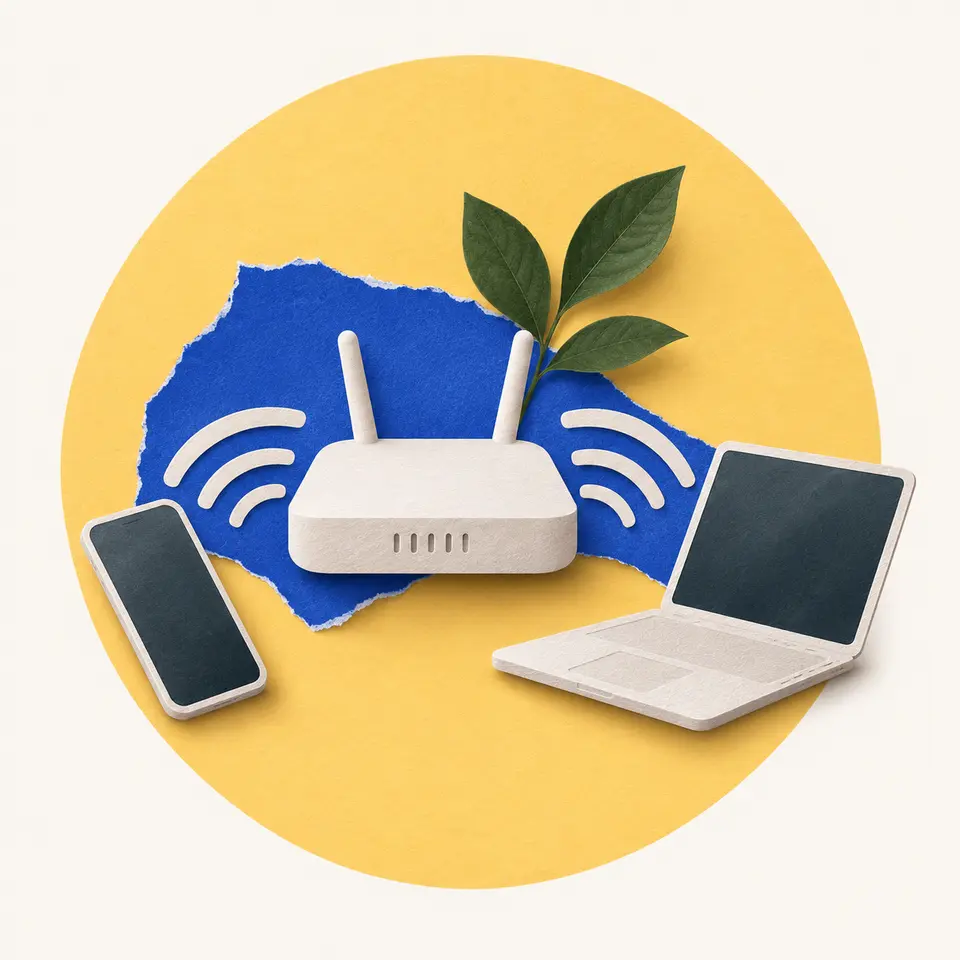
Your router is a radio, and so is the Wi-Fi chip in your phone. They swap data as radio waves, in small blocks called packets. Each packet carries the address of the device it's meant for.
Every device tuned to the same channel, a narrow slice of radio frequencies, hears every packet sent on it. Your phone picks up packets meant for your laptop too. It checks the address and ignores the ones that aren't its own.
Within range, only one device can send on a channel at a time. So each device listens first and sends only when the channel is quiet. If it hears someone else, it waits.
Two devices sometimes start at the same instant anyway. Their signals then garble each other, a collision, and both have to send again. This is why sharing costs speed. When two devices are both sending, each gets about half the throughput.
Wi-Fi mainly uses three frequency bands, named 2.4, 5 and 6 gigahertz. Each band is a stretch of radio frequencies, cut into channels. The bands trade reach against room for data.
Lower frequencies reach further. Walls and floors absorb 5 GHz signals more than 2.4 GHz ones, so 5 GHz usually covers a smaller area. But 2.4 GHz is narrow and crowded. In North America it fits only three channels that don't overlap.
The higher bands are wider. The 5 GHz band is a bit over 700 MHz wide and holds at least 23 non-overlapping channels in much of the world. The 6 GHz band adds about 1,200 MHz. When the US opened it in April 2020, the FCC said it made nearly five times as much spectrum available for Wi-Fi.
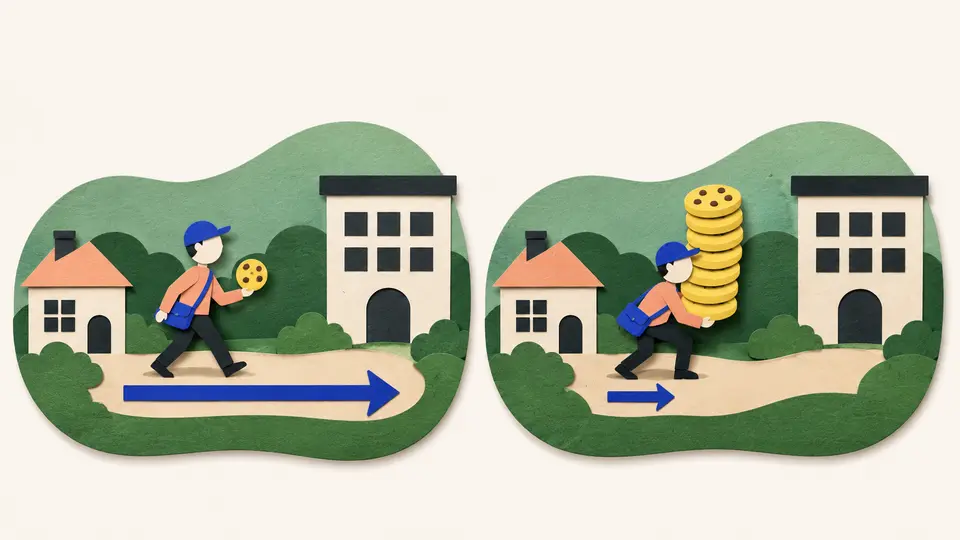
Wider bands allow wider channels, and a wider channel carries more data each second. It works like adding lanes to a road. The comparison stops at walls, because a road doesn't fade as it passes through brick.
All three bands are unlicensed. Anyone may transmit in them at low power. That's why your microwave oven heats food at about 2.45 GHz, inside the Wi-Fi band, and can disturb Wi-Fi nearby.
Try to recallWhy might a laptop in a far bedroom connect better on 2.4 GHz, while one beside the router runs faster on 5 GHz?
Lower frequencies get through walls and floors better, so 2.4 GHz reaches further. The 5 GHz band is wider, with more channels that don't overlap, so it carries more data. Close to the router the 5 GHz signal is strong enough, and its extra room wins.
Wi-Fi devices share a channel by taking turns, so more traffic means more waiting. The band sets the trade, with 2.4 GHz reaching further and 5 and 6 GHz carrying more.
Lessons in this topic
How your router talks to your phone through the air
See how Wi-Fi devices take turns sending packets on a shared radio channel, and what the 2.4, 5 and 6 GHz bands trade against each other.
Why Wi-Fi is fast in one room and slow in the next
See why a weak signal makes Wi-Fi switch to a slower way of sending, how neighbors' networks crowd the air, and which fixes work.
How one router shares one internet address
See why the devices in your home get private addresses, and how the router keeps a table so every reply finds the right device.
Wi-Fi, Bluetooth and mobile data in one phone
See why your earbuds use Bluetooth, your home uses Wi-Fi and the street uses mobile data, and what a licensed band gives a mobile operator.
Three quick stories from this topic
Bluetooth's stopgap name
Bluetooth was meant to be a temporary code name, borrowed from a Viking-age king
Engineers named the project after Harald Bluetooth, a 10th-century Danish king. The planned replacement names fell through before launch, so the code name stayed and spread through the industry.
The planned names
RadioWire and PAN were in the running. PAN was already everywhere online, and RadioWire's trademark search wasn't done in time.
The logo
The Bluetooth symbol joins two runes, Harald's initials.
Wi-Fi and the microwave
Your Wi-Fi shares its 2.4 GHz band with the microwave oven in your kitchen
Household microwave ovens heat food at about 2.45 GHz, right inside the band many routers use. Their shielding keeps nearly all of it in, but the small leak can still disturb Wi-Fi close by.
Why they share
The band is unlicensed. Anyone may use it at low power without asking, so ovens, routers and Bluetooth gadgets all end up there.
The way out
Wi-Fi can also use the 5 and 6 GHz bands, which are wider and far less crowded.
The short-term fix
The trick that lets a whole home share one internet address was called short-term in 1994
A 1994 internet standard described address translation as a short-term solution to running out of addresses. IPv4 has room for only about 4.3 billion, and the central pool ran out in 2011.
How it works
Your router swaps each device's private address for the home's one public address and notes the swap in a table.
Why it stuck
It let millions of homes reuse the same private addresses, so each home needed just one public one.
Sources
- Wi-Fi, Wikipedia
- IEEE 802.11, Wikipedia
- Microwave oven, Wikimedia Foundation
- FCC adopts new rules for the 6 GHz band (press release, 23 April 2020), Federal Communications Commission, copy hosted by Tellus Venture
- IEEE 802.11ax (Wi-Fi 6), Wikipedia
- Bluetooth, Wikipedia
- Network address translation, Wikipedia
- IPv4 address exhaustion, Wikipedia