Technology & Computing · Computers & hardware
The parts of a computer
Open up a laptop or a phone and name what you find. See what the processor, memory, storage and the input and output parts each do, and how they work together when you open a file.
What you will learn
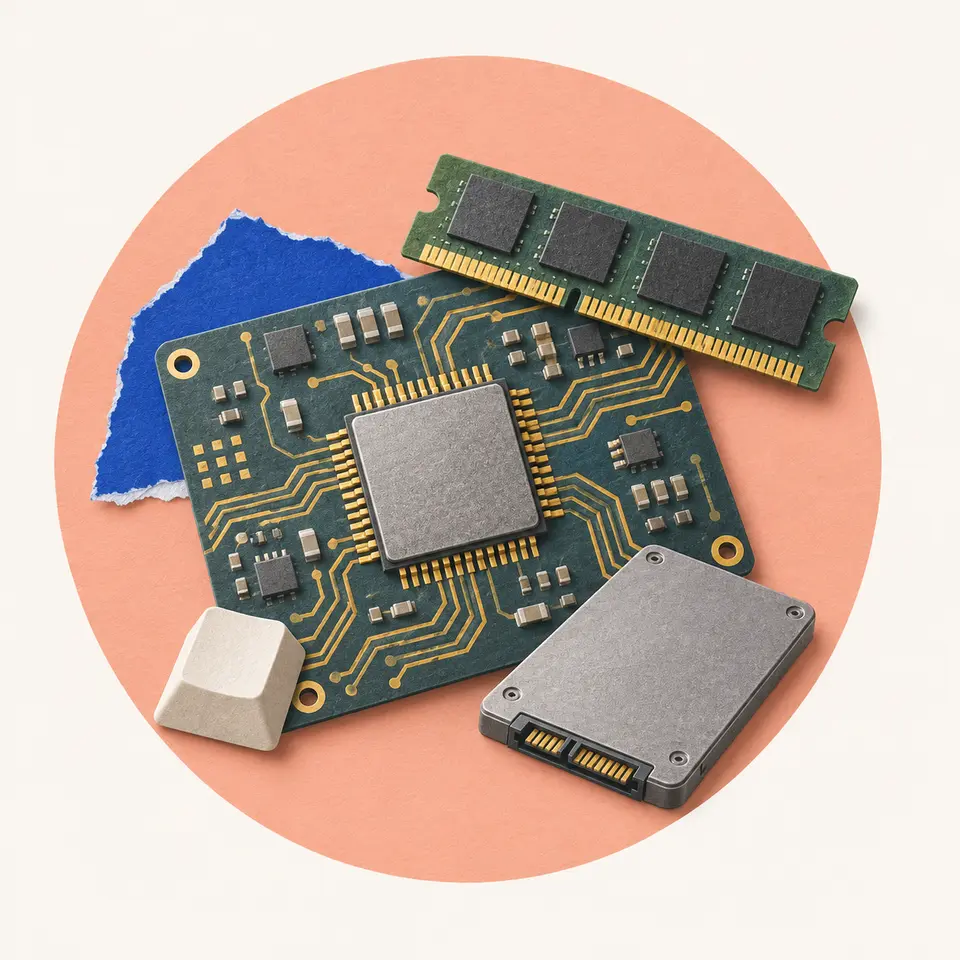
- Name the four jobs of computer hardware and the main part behind each
- Sort a device's parts by job and explain why one part can do two jobs
- Explain why a computer keeps data in both memory and storage
- Trace what storage, memory, the processor and the screen each do when you open a photo
Lesson 1 of 4 · 4 min
The four jobs every computer does
You tap a photo on your phone and it fills the screen. In that moment the phone did the four jobs every computer does. It took input, processed it, pulled data from storage and produced output.
Input devices turn the outside world into data. A keyboard turns key presses into signals, and a mouse turns hand movements into pointer moves. Douglas Engelbart first showed the mouse in public in 1968.
Processing is the job of the central processing unit, or CPU. It fetches a program's instructions from memory and carries them out one after another. People often call it the computer's brain.
Storage keeps data. A drive holds your files even with the power off. Memory, called RAM, holds what's in use right now and loses it when the power goes.
Output devices turn data back into something you can sense. Monitors show it and printers put it on paper.
Some parts do two jobs. A touchscreen is a touch panel laid on top of a display. The panel takes input from your finger, and the display beneath gives output. A network card both sends and receives data, so it handles input and output too.
Calling a device input or output depends on perspective. A keyboard takes the movements your hands make and turns them into signals. Your output becomes the computer's input. A monitor does the reverse.
The jobs stay the same from device to device. A desktop spreads them across a keyboard, a box and a monitor. A phone folds input and output into one glass panel.
Try to recallWhy does a smartphone touchscreen count as both an input device and an output device?
A touchscreen is a touch panel laid on top of a display. The panel turns your finger's touch into input signals, and the display beneath it shows the computer's output. One part does two jobs.
Every computer does input, processing, storage and output. Most parts do one job, and a few, like a touchscreen, do two.
Lessons in this topic
The four jobs every computer does
Sort any computer's parts into input, processing, storage and output, and see why a touchscreen counts twice.
What happens when you open a file
See why a computer needs both memory and storage, and follow a photo from the drive to your screen.
The board that wires it all together
Learn what the motherboard and its buses do, why a shared path can hold a fast processor back, and what ports and expansion slots are for.
How to read a computer spec sheet
Find out what gigahertz, cores, RAM and storage type tell you about a computer, and what they leave out.
Three quick stories from this topic
The 4 GHz wall
Processor clock speeds stalled near 4 GHz around 2005, when chips got too hot to push
Press articles had predicted chips running at 10 to 20 GHz. Intel's Pentium Extreme Edition hit heat limits near 4 GHz, and its 2006 successor, Core 2, matched that performance at nearly half the clock speed.
Ten years of GHz ads
From about 1995 to 2005, Intel advertised its mainstream Pentium chips mainly on clock speed.
Work per tick
Core 2 did more on each tick, which is why gigahertz alone can't tell you which chip is faster.
Memory that won't forget
Memory chips can hold data for minutes after power-off, and much longer when chilled
RAM's contents fade gradually instead of vanishing at once. Cooled with freeze spray or liquid nitrogen, some memory modules hold readable data for hours or even a week, which lets attackers recover encryption keys.
The cold boot attack
An attacker with the machine in hand reboots it from a small disk and copies whatever is still in memory.
Why it works
The bits fade in a predictable way, so even partly faded memory can often be reconstructed.
The mouse's missing royalties
The mouse's inventor earned no royalties, because the patent ran out before PCs used it
Douglas Engelbart showed the mouse in public on 9 December 1968. His employer, the Stanford Research Institute, held the patent, and it expired before mice became standard on personal computers.
Built in 1964
Bill English helped Engelbart build the first prototype, a bulky box with two wheels at right angles.
A small part of a big plan
The mouse was one piece of Engelbart's larger project to use computers to boost human thinking.
Sources
- Computer hardware, Wikipedia
- Input/output, Wikipedia
- Computer mouse, Wikipedia
- Touchscreen, Wikipedia
- Megahertz myth, Wikipedia
- Cold boot attack, Wikipedia